
Can You Share Your Screen on WhatsApp Web? Yes — Here's How
Yes, WhatsApp Web supports screen sharing since July 2026, no desktop app needed. Step-by-step instructions and what to do when the button is missing.
Este artigo está disponível em inglês.

Publicado em
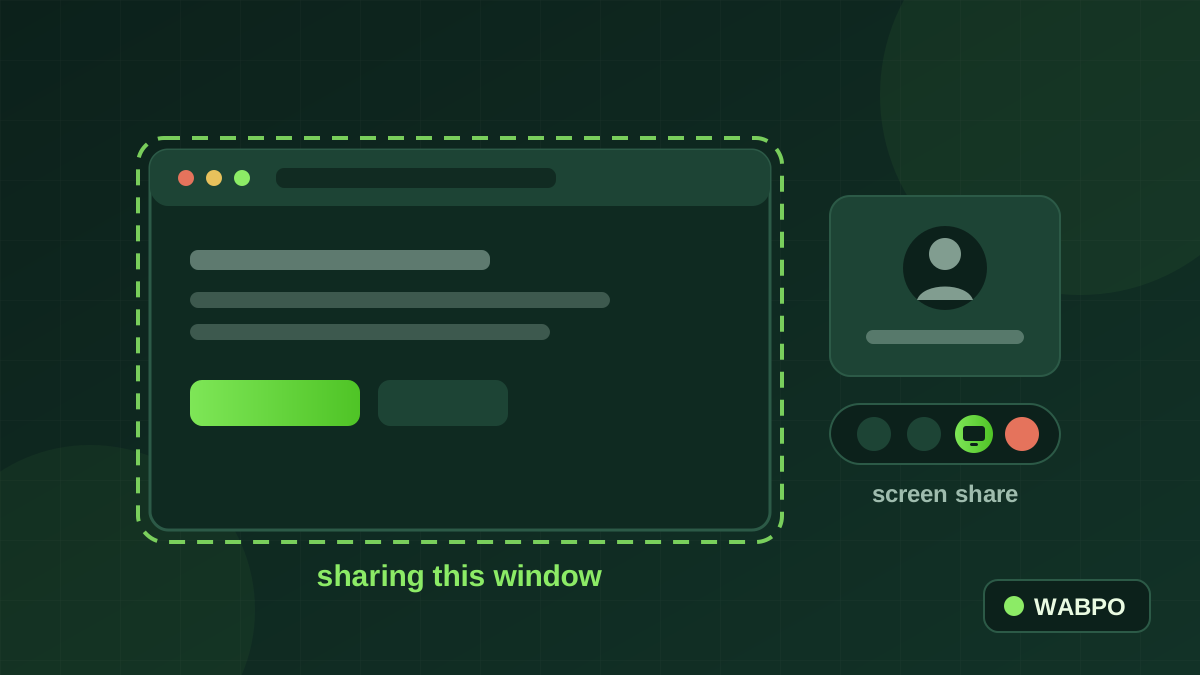
Short answer: yes — WhatsApp Web supports screen sharing. It arrived with WhatsApp Web calling, which Meta announced on July 28, 2026. You can now make and receive audio and video calls — one-on-one and group — directly in the browser, share your screen during those calls, and skip the desktop app entirely. In Meta's words: "No app download required."
If you searched this a while ago and read that it was impossible, that advice is simply out of date: for years, screen sharing needed the WhatsApp Desktop application, and the browser version couldn't even place calls. That changed in July 2026. Here's the current, working method.
How to share your screen on WhatsApp Web
- Open web.whatsapp.com in a desktop browser and sign in by linking your phone (Settings → Linked devices → Link a device).
- Open the chat with the person you want to call, and start a video call from the call icons at the top of the conversation.
- Once the call connects, find the screen-share icon in the call controls — the monitor-style symbol alongside the mute and camera buttons.
- Choose what to share: a single window (safest — only that app is visible), a browser tab, or your entire screen.
- Your browser will show its own permission prompt asking you to confirm the capture. Approve it, and sharing begins.
- To finish, press Stop sharing — in the WhatsApp call controls or in the floating bar your browser displays.
Why you might not see the screen-share button
If the icon isn't there, it's almost always one of these — in order of likelihood:
- You're on a voice call, not a video call. Screen sharing lives in the video call controls. Start (or upgrade to) a video call.
- The rollout hasn't reached your account yet. Meta ships features in waves; a browser refresh, a re-link of the device, or simply a few more days usually resolves it.
- Your browser is out of date, or it's a mobile browser. Screen capture needs a current desktop browser. Meta didn't publish a supported-browser list, but in practice a recent Chrome, Edge, Safari or Firefox on a computer is what works.
- Your operating system is blocking screen recording. On macOS, grant your browser permission under System Settings → Privacy & Security → Screen Recording, then restart the browser.
- You're on a managed work device. Some IT policies disable screen capture at the browser or OS level.
What else came with WhatsApp Web calling
Screen sharing shipped as part of a bigger calling release, and a few of its siblings matter more for business use than they first appear:
| Feature | What it does | Why a business cares |
|---|---|---|
| Screen sharing | Present a window, tab or full display during a call | Demos, onboarding, walking a customer through a form |
| Call transfer | Move a live call between your devices without hanging up | Start on your phone, continue at your desk — no callback |
| Waiting room | Group-call participants wait for approval to join | Controlled group demos and client sessions |
| QuickHD + noise suppression | Sharper video, cleaner audio | A call from a busy shop floor that still sounds professional |
| Calls tab | Full call history and favourites in the browser | Finding who called back, without picking up your phone |
Meta also notes that calls on the web are "end-to-end encrypted — with no time limits and at no cost" — worth remembering next time a 40-minute meeting cap interrupts a customer call.
Where screen sharing actually earns its keep
For most businesses the value isn't the feature; it's the friction it removes. The customer is already in the chat. Previously, showing them something meant "let me send you a meeting link" — and a meaningful share of people never click it. Now the demo happens in the thread the conversation started in.
- Sales: walk a prospect through the product, a proposal or a price sheet seconds after they ask — the fastest path from interest to decision.
- Support: show the three taps instead of typing ten instructions, which is the difference between a solved ticket and an abandoned one.
- Onboarding: configure something together on the customer's first day, so the account actually gets used.
- Services: remote consultations — a designer reviewing a layout, an accountant walking through a form — on the app the client already trusts.
The part that breaks at scale (and the fix)
One person answering their own chats will love this. A team of six discovers the real constraint quickly: WhatsApp Web links to one phone. Whoever holds that phone owns every call, and everyone else is locked out of the conversation history. That's a personal-messaging design working exactly as intended — and the wrong shape for a business line.
On the official WhatsApp Business API, the number stops belonging to a handset. Conversations land in a shared team inbox where they're assigned, labelled and answered by whoever is free, with full history attached — and automation handles the repetitive questions before a human is ever needed. The screen-share call is then just the last, human step of a conversation your system already qualified.
Perguntas frequentes
Can you share your screen on WhatsApp Web?
Yes. Since Meta launched WhatsApp Web calling on July 28, 2026, you can share your screen during a video call directly in the browser — no desktop app needed. Start a video call, click the screen-share icon in the call controls, choose a window, tab or your whole display, and approve the browser's permission prompt.
Does WhatsApp Web have screen sharing without the desktop app?
It does. Meta's announcement states there is "no app download required" — calling and screen sharing work in a supported desktop browser at web.whatsapp.com. Older guides saying you must install WhatsApp Desktop were written before the July 2026 release.
Why can't I see the screen share button on WhatsApp Web?
Most often you're on a voice call rather than a video call — screen sharing appears only in video call controls. Otherwise: the feature may not have reached your account yet (it rolled out in waves), your browser may be outdated or mobile, or your operating system may be blocking screen recording for the browser (check macOS Privacy & Security → Screen Recording).
Can you screen share on a WhatsApp group call on the web?
Yes — WhatsApp Web supports both one-on-one and group audio and video calls, and screen sharing is available in group video calls as well. Group calls also support a waiting room, so participants join only when approved.
Is WhatsApp Web screen sharing free and encrypted?
Yes. Meta states that calls on the web are "end-to-end encrypted — with no time limits and at no cost", which includes screen sharing during those calls.
Can my whole team take WhatsApp calls from one business number?
Not with WhatsApp Web, which links to a single phone — whoever holds it owns the conversations. For shared team access to one business number, you need the official WhatsApp Business API with a shared inbox, where conversations are assigned to teammates with full history and labels.
Escrito por
Saifullah AlamFounder — Spadasoft, WABPO & WAWCD
Saifullah Alam founded Spadasoft, WABPO and WAWCD. He builds WhatsApp Business API products and writes practical, no-hype guides about what actually ships.
Continue lendo

WhatsApp Business API: A Beginner's Guide in Plain English
API sounds technical, but the idea is simple: it's WhatsApp built for businesses that outgrew the app. Here's everything a beginner needs to know.

How to Create a WhatsApp Chatbot Without Coding (5 Steps)
A chatbot answers your customers at 3 am, takes orders and never forgets a step. Here's how to build one on WhatsApp without writing a line of code.

7 Best WhatsApp Marketing Tools in 2026 (Honest Comparison)
Every list like this is written by one of the tools on it — including this one. So here's the honest version: what actually matters, and who each tool fits.