
How to Cut WhatsApp Workflow Costs Before October 2026: A Flow-by-Flow Playbook
From October 1, 2026 every workflow reply is a billable service message. How to audit messages-per-conversation and cut your WhatsApp bill 40–60%.

Published
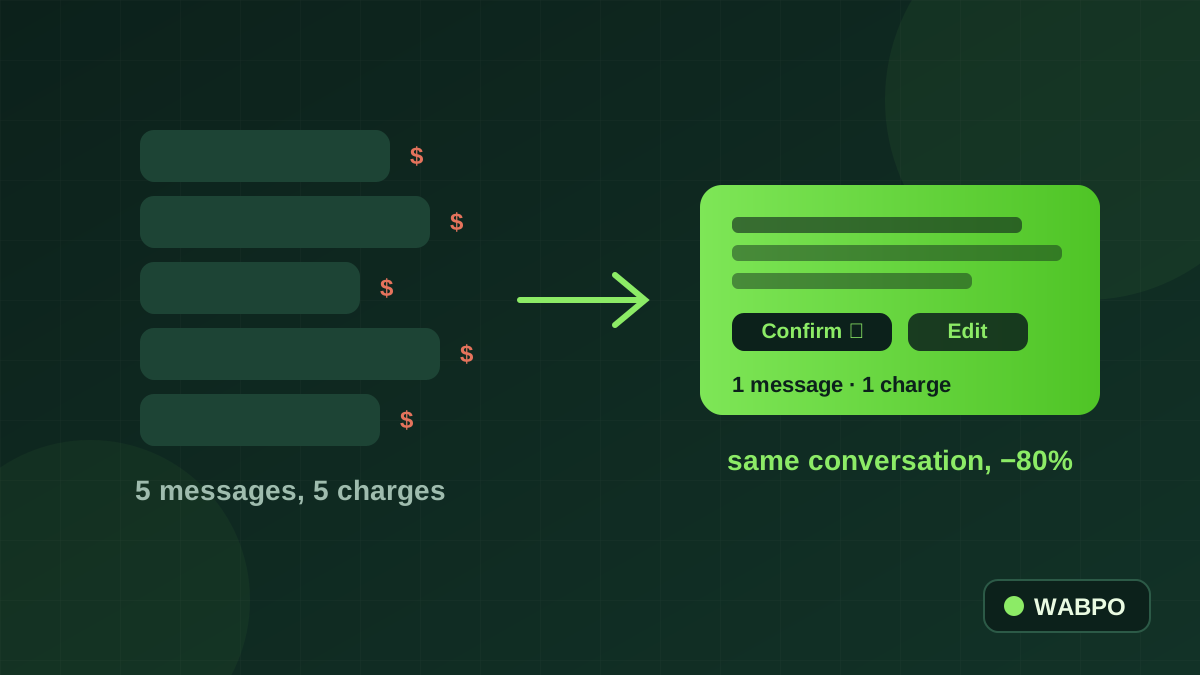
For years, nobody counted how many messages a WhatsApp workflow sent, because inside the 24-hour window they were free. That era ends on October 1, 2026: Meta bills every service message after 1,000 free per number monthly — the full change is in our service message pricing guide. This post is the practical half: how to actually redesign your flows so the same conversations cost less. Teams that do this typically remove a third to half of their outbound messages without customers noticing anything except faster answers.
Audit first: find your messages-per-conversation number
Before touching any flow, get one number: outbound messages ÷ conversations for the last 30 days, per workflow if you can. In WABPO the per-conversation message counts are in your analytics; on any platform you can approximate it from message totals. Then read it against these bands:
| Messages per conversation | Verdict | What it usually means |
|---|---|---|
| 1–3 | Excellent | Complete answers, structured messages, quick resolution |
| 4–6 | Typical | Some fragmenting — a menu step or clarifying question to merge |
| 7–10 | Expensive | Chatty bot: separate greeting, menu, prompts and confirmations |
| 11+ | Redesign now | Flow built for the free era — every step sends its own message |
Multiply your monthly overage (total outbound minus 1,000 free per number) by your market's utility rate on the Meta rates page — or let our free WhatsApp API cost calculator do the math and simulate the savings. That's the bill you're shrinking. Now, flow by flow:
Redesign 1: merge the greeting and the menu
| Messages | What the customer sees | |
|---|---|---|
| Before | 3 | "Hi! Welcome to Khan Motors 👋" → "How can we help you today?" → [menu list] |
| After | 1 | "Hi, welcome to Khan Motors 👋 — what can we do for you?" with the list attached to the same message |
One list message carries a greeting, a question and up to ten options. That's a 67% cut on the opener of *every single conversation* — the highest-volume message you send.
Redesign 2: one complete answer instead of five fragments
Bots built to "feel human" often type in fragments: "Great choice!" → "That model is in stock" → "The price is Rs 4,500" → "Delivery takes 2–3 days" → "Want me to place the order?". Five billable messages carrying one answer. AI replies should be configured to answer completely in one message: availability, price, delivery and the next-step buttons together. Customers read it as more professional, not less friendly — and from October it's literally five times cheaper.
Redesign 3: confirm in one message
Order flows love ceremony: item confirmation, then address confirmation, then total, then "shall I proceed?". Collapse the recap: one message with items, total, address and Confirm / Edit buttons. If the customer confirms, that's two messages where six used to live. The same applies to booking flows — slot, location and confirm buttons in one message.
Redesign 4: resolve in the first reply
Every clarifying round-trip is now two billable events (your question, your answer to their answer). The fixes are unglamorous and effective: quick replies and saved answers for the questions that repeat; routing in the shared team inbox so the question lands with someone who can actually answer it; and workflow questions that gather what you need *up front* (a list of sizes beats "what size?" → "in what color?" → "for delivery or pickup?").
Redesign 5: stop timing utility templates for the window
Some flows deliberately delayed order updates so they'd ride free inside an open customer-service window. From October 1 that discount is gone — utility templates bill inside the window too. Simplify: send updates when they serve the customer, and delete any workflow logic whose only job was window-timing. Fewer moving parts, same cost, better experience.
Structure numbers around the 1,000 free allowance
The free allowance is per business phone number, per month. If one number burns 15,000 messages while a second number sends 300, you're paying overage on the first while wasting the second's allowance. Where it fits your operation (separate sales and support lines, per-branch numbers), balancing traffic across numbers is free money — just keep the customer experience coherent, with each number owning a clear job.
Make messages-per-conversation a weekly KPI
- Track it weekly, per workflow. The number only falls when someone owns it.
- Set a budget per flow — e.g. opener ≤1, product Q&A ≤2, order flow ≤4 — and review the flows that breach it.
- Watch it after every flow edit. A well-meaning new step quietly adds one message to thousands of conversations.
- Pair it with resolution rate. The goal is fewer messages *and* solved conversations — a flow that's cheap but doesn't resolve just moves cost to your agents.
Frequently asked questions
How many messages should a WhatsApp workflow send per conversation?
Aim for 1–3 outbound messages for simple enquiries and at most 4–5 for a full order or booking flow. If your average is 7 or more, the flow was built for the free era — merging the greeting with the menu and answering completely in one message are the fastest cuts.
Do chatbot and AI messages count as billable service messages?
Yes. From October 1, 2026, free-form replies from workflows, chatbots and third-party AI bill exactly like human replies — per delivered message after 1,000 free per number monthly. That's why message count per conversation becomes a cost metric.
How much can flow redesign actually save?
Merging a three-message opener into one cuts that step 67%; collapsing five-fragment answers into one cuts those 80%. Across a typical chatty flow, teams remove a third to half of outbound messages — the same conversations, fewer billable events.
Does WABPO charge per message on top of Meta's rates?
No. Meta bills its rates to your own Meta account; WABPO's pricing is usage-based with no per-message markup and no platform fee to start.
Can WABPO's team help redesign my workflows?
Yes — our engineers review high-volume customers' flows and redesign them for per-message pricing: merged steps, complete single-message answers, and number structures that use the free allowance well. Ask in the dashboard chat or contact sales for a workflow cost review.
Written by
Saifullah AlamFounder — Spadasoft, WABPO & WAWCD
Saifullah Alam founded Spadasoft, WABPO and WAWCD. He builds WhatsApp Business API products and writes practical, no-hype guides about what actually ships.
Keep reading
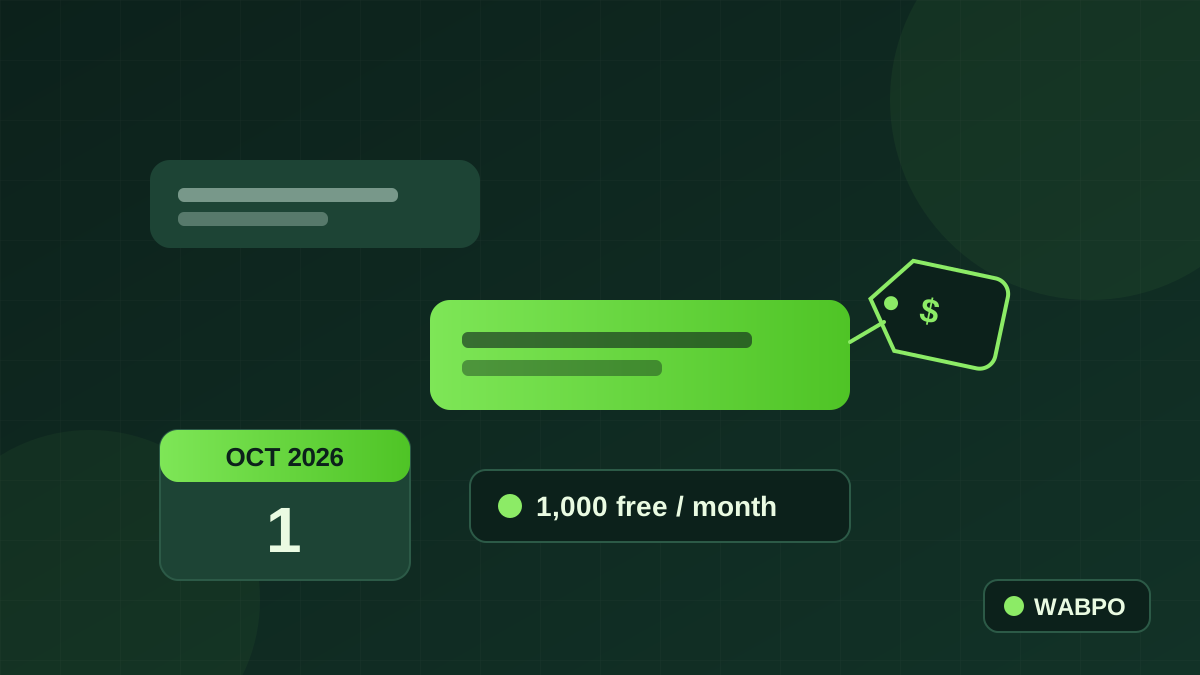
WhatsApp Service Message Pricing: What Changes on October 1, 2026 — and What It Really Costs Your Business
The famous free 24-hour window is ending. From October 1, 2026, Meta charges for every service message after 1,000 free per number each month — and utility templates inside the window are billed too. Here is exactly what changes, what it costs, and how to shrink the bill before it arrives.
How to Create a WhatsApp Chatbot Without Coding (5 Steps)
A chatbot answers your customers at 3 am, takes orders and never forgets a step. Here's how to build one on WhatsApp without writing a line of code.
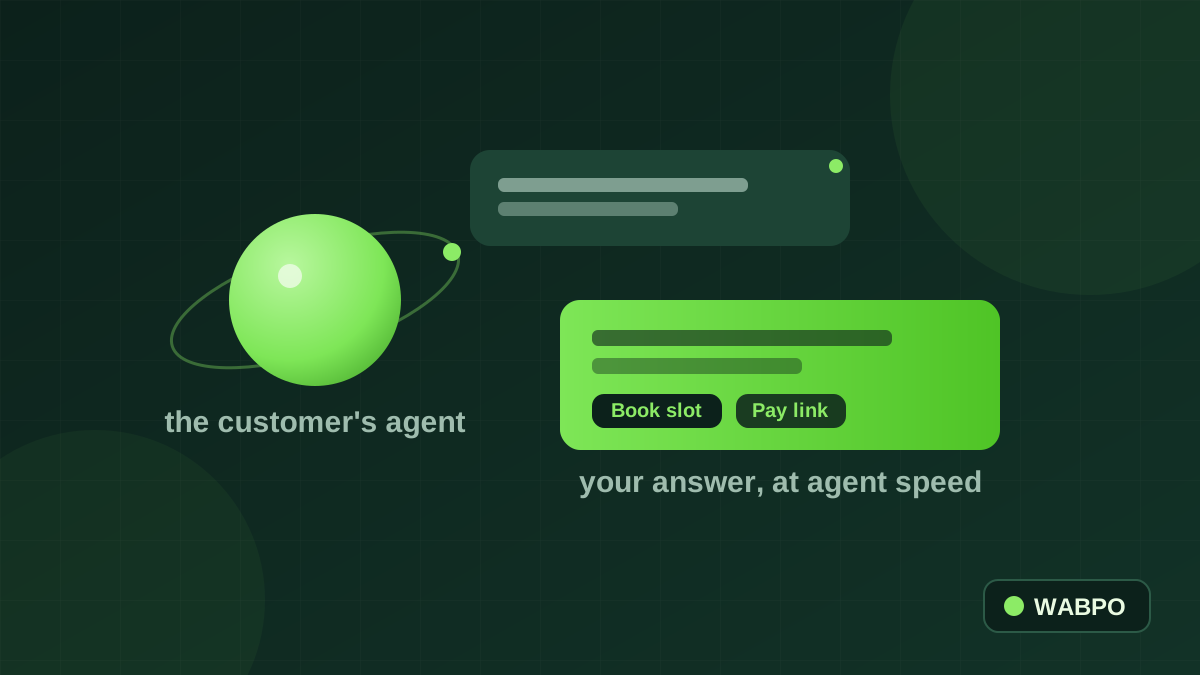
Meta Muse: What the Personal AI Agent Inside WhatsApp Means for Your Business
Muse doesn't just answer its user — it acts for them: books travel, fills forms, negotiates, pays. And it works inside WhatsApp. When the next message in your business inbox comes from an agent instead of a thumb, the businesses that answer instantly and in structured ways will win the recommendation.